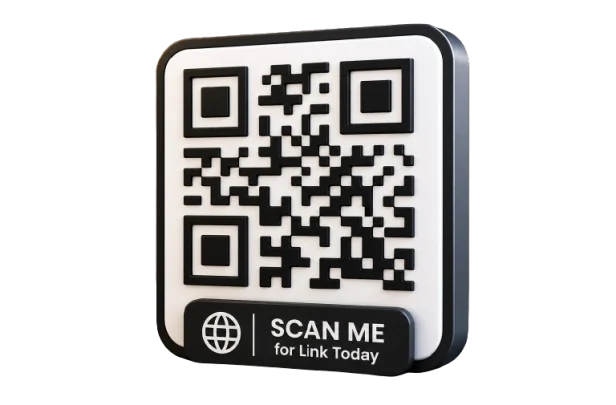
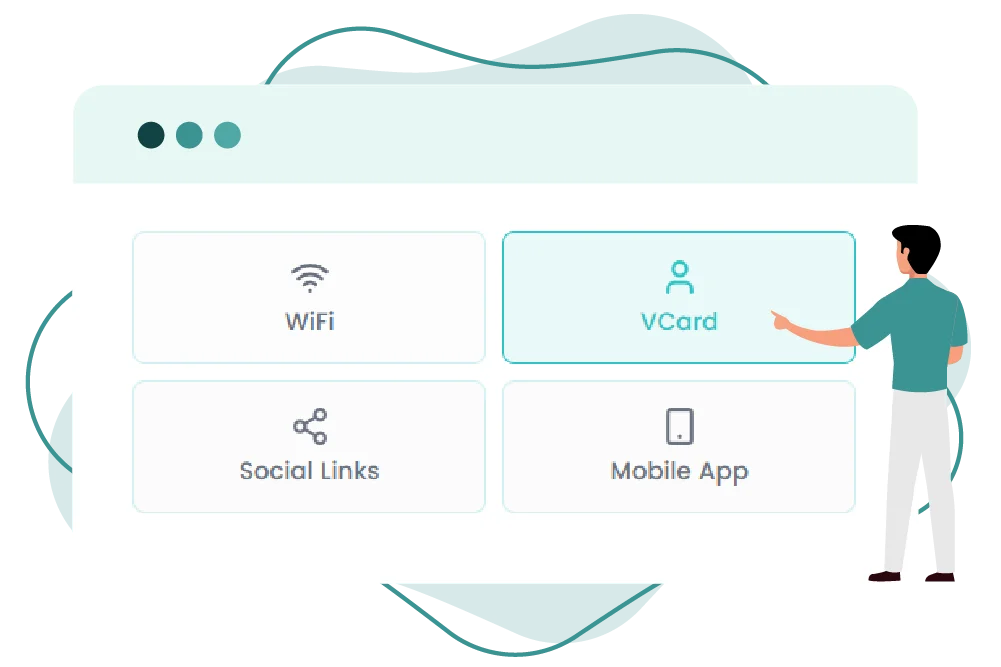
Create a vCard QR Code Generator that makes sharing contact information simple and instant. Users can quickly save your phone number, email address, website, company details, and social media profiles directly to their smartphones with a single scan.
What Is A vCard QR Code?
A vCard QR Code is a scannable image that stores name phone email company website. It allows users to saves contact directly to phone.
It works on any modern smartphone, including iPhone (iOS 11+) and Android (10+), using the built-in camera app.
How to Make a vCard QR Code
Step 01
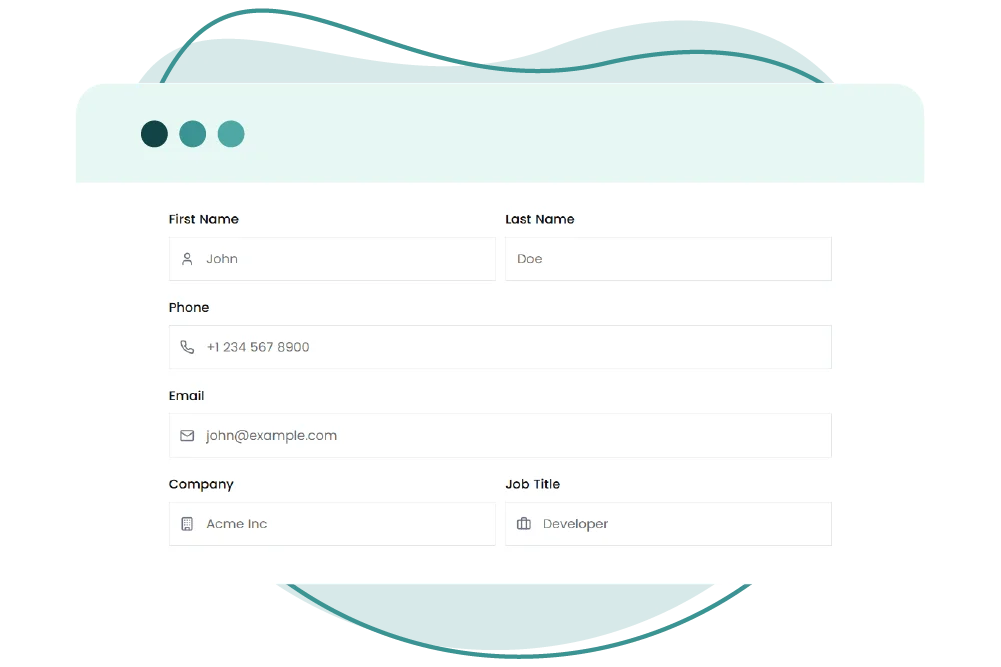
Enter Contact Details
Add name phone email company
Step 02
Add Professional Info
Add website social links and job title
Step 03
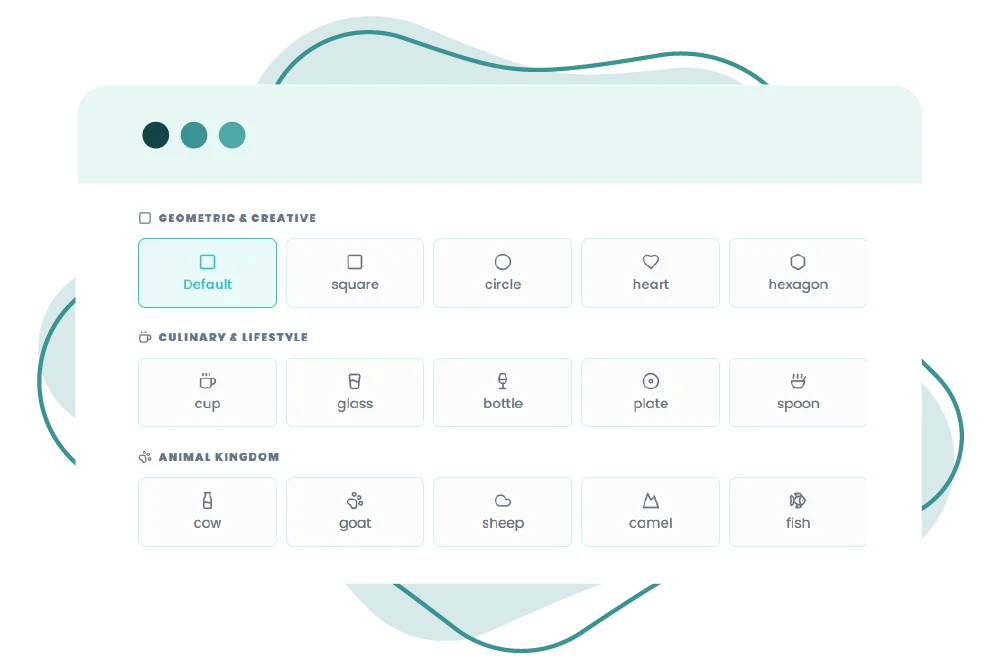
Customize Design
Choose color, logo, branding.
Step 04
Download & Share
Use on resumes emails and business cards
vCard QR codes make networking faster and fully digital
Make Your vCard QR Code
Smarter with QR-Inventor
Create smart digital contact cards for modern networking and easy sharing everywhere