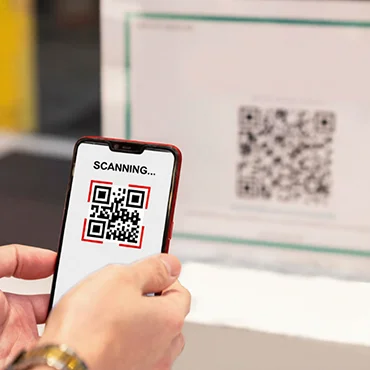
Generate a QR code for any text in less than a minute now. Do you have a text in mind? Try our text to QR code generator. Free, smart, and impactful.
What Is A Text QR Code?
A text QR code is used to store written content such as words, numbers, or special characters. When scanned, the text is displayed immediately, unlike URL QR codes, which take you to the linked landing page. This makes it perfect for situations where speed is an important consideration.
Create A Text QR Code
Instantly
QR Inventor helps you turn plain text into a scannable QR code within seconds. The QR code is clean and mobile-friendly, with no hassle in getting into the technicalities.
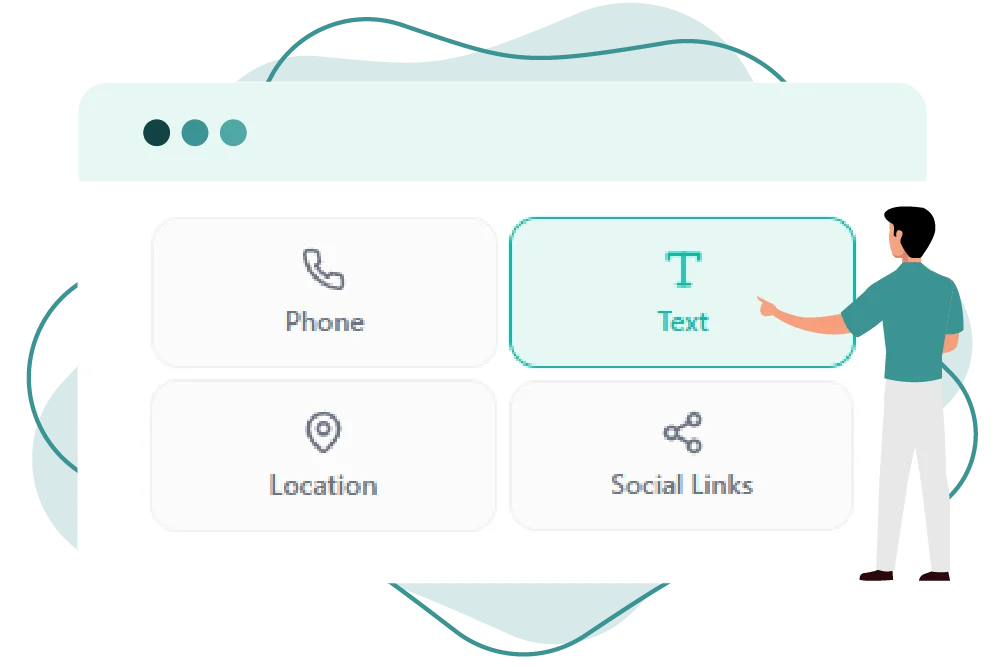
Changing text to a QR code is pretty quick and uncomplicated, thanks to QR Inventor. Create a scannable QR code from text and have it display your message instantly in just a few steps.
Step 01
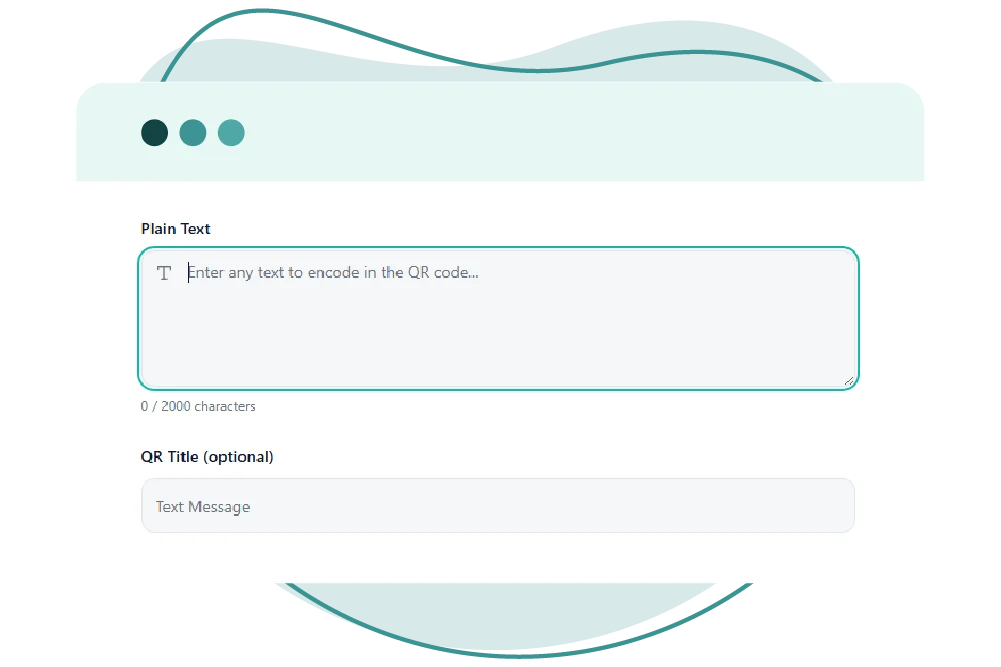
Type or paste the text
Step 02
Add it to the QR code generator
Step 03
Make the design as per your style
Step 04
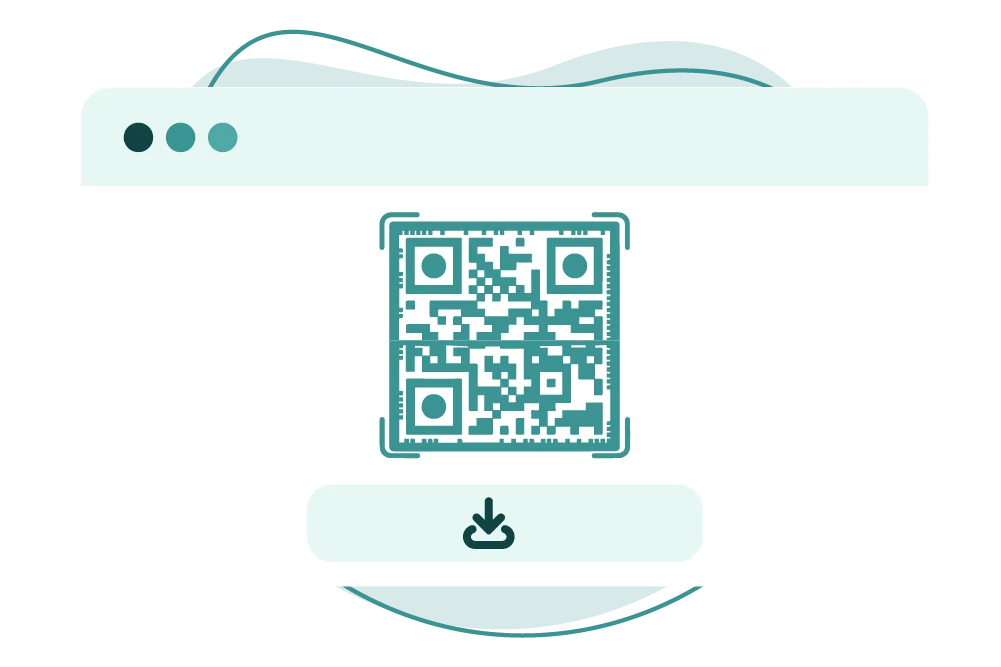
Download and use it anywhere
That’s all. Your text QR code is ready to scan, displaying the message instantly on any device.
What Are Text QR Codes Used For?
Instead of printing lengthy instructions, notes, or messages, businesses and individuals can turn them into QR codes so users can scan and read them immediately on their phones.
They are used for product instructions, packaging notes, inventory labels, and internal event operations and materials. A text QR code is particularly convenient if the information is short and static.
Text QR codes are also convenient offline because the message is embedded in the code itself. So they’re useful in situations where Internet access might be limited.
Looking For A Simple Text QR Code?
QR Inventor’s text to QR code generator lets you edit your text afterwards, analyze and monitor scans, and ensure smooth operations without any reprints.
A plain text QR code is a scannable version of printed text. Users can scan and read the message in a moment without typing anything.
Great for Short Static Content
It’s perfect for sharing short and static content like notes, instructions, reminders, or product details. That makes it easier to access information and use it.
No Internet Required
The text is embedded directly in the QR code, so it does not require an internet connection. This is ideal for packaging, labels, manuals, and offline signage.
Fewer Chances Of Human Error
It prevents typing mistakes by eliminating the need to copy text manually. A simple scan is faster, cleaner, and more reliable for the users.
Easy and Universal Usage
Plain text QR codes are easy to create and will work on just about any smartphone. They are a nice way to quickly and easily share static information.
Text QR Code Data Capacity Limitations
A QR code can hold a limited number of characters depending on its size and error correction level.