Create an SMS QR Code that opens pre-filled text messages instantly, helping users contact your business quickly without typing numbers or messages manually on their smartphones.
What Is A SMS QR Code?
A SMS QR Code is a scannable image that stores phone number and pre-filled SMS message. It allows users to opens messaging app with ready to send message.
It works on any modern smartphone, including iPhone (iOS 11+) and Android (10+), using the built-in camera app.
How to Make a SMS QR Code
Step 01
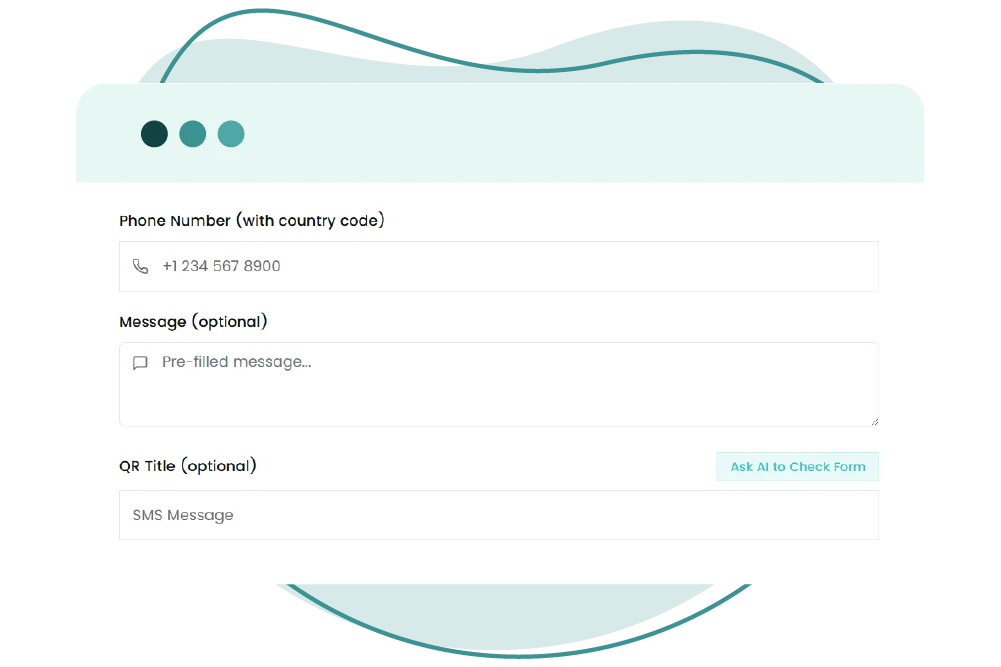
Enter Phone Number
Add recipient number carefully
Step 02
Add SMS Message
Write pre-filled message users will send
Step 03
Customize Design
Choose color, logo, branding.
Step 04
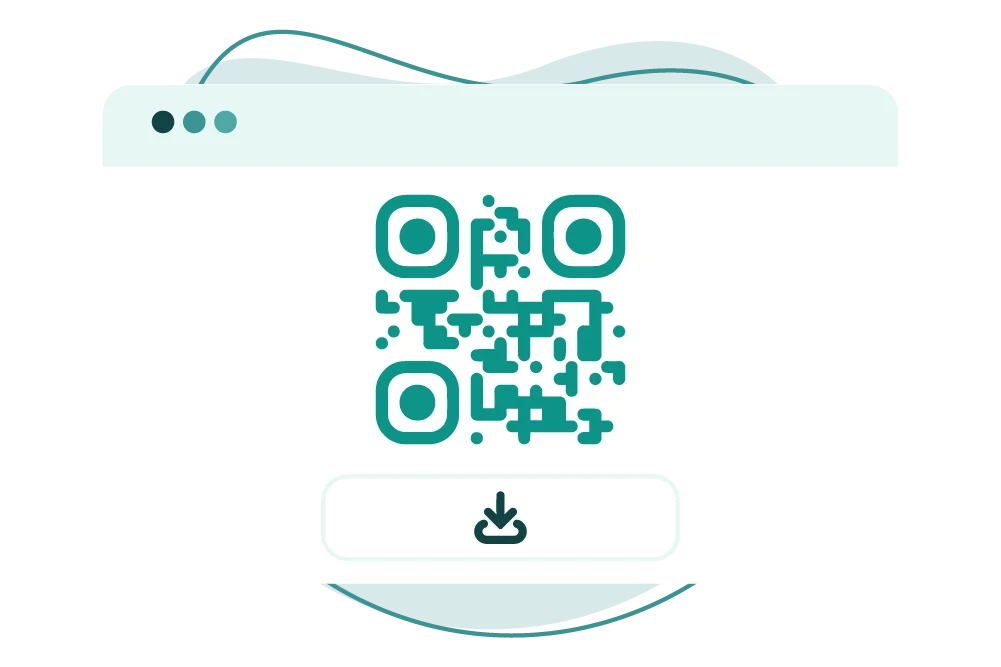
Download & Share
Use on ads packaging flyers and campaigns
SMS QR codes help businesses improve communication speed and engagement
Make Your SMS QR Code
Smarter with QR-Inventor
Create SMS QR codes to boost response and engagement in marketing campaigns instantly