Create a Location QR Code that instantly opens Google Maps directions, helping customers and visitors find your business, office, store, or event location quickly without manually searching addresses.
What Is A Location QR Code?
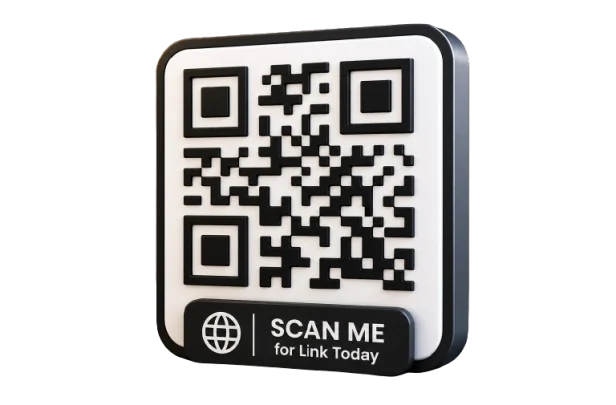
A Location QR Code is a scannable image that stores map coordinates and navigation link. It allows users to opens Google Maps directions.
It works on any modern smartphone, including iPhone (iOS 11+) and Android (10+), using the built-in camera app.
How to Make a Location QR Code
Step 01
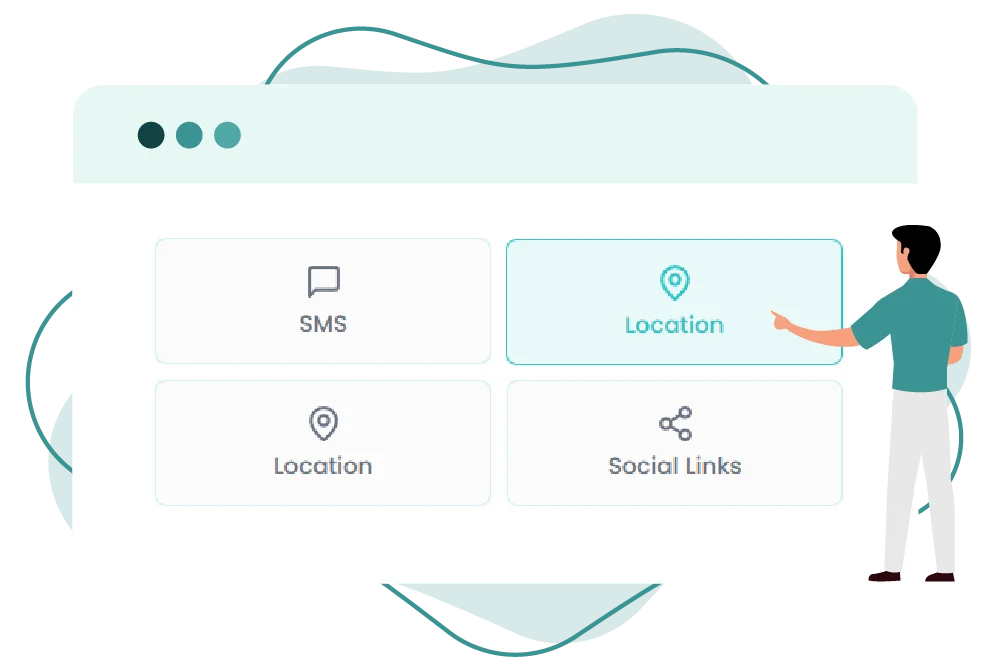
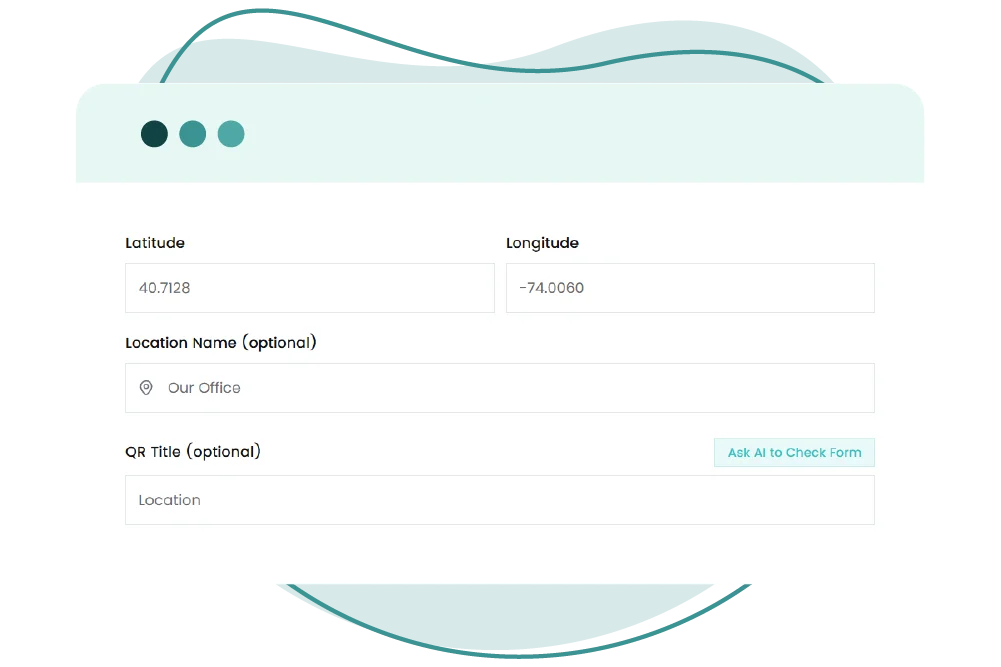
Enter Location
Add address or coordinates
Step 02
Verify Map Pin
Confirm correct map position
Step 03
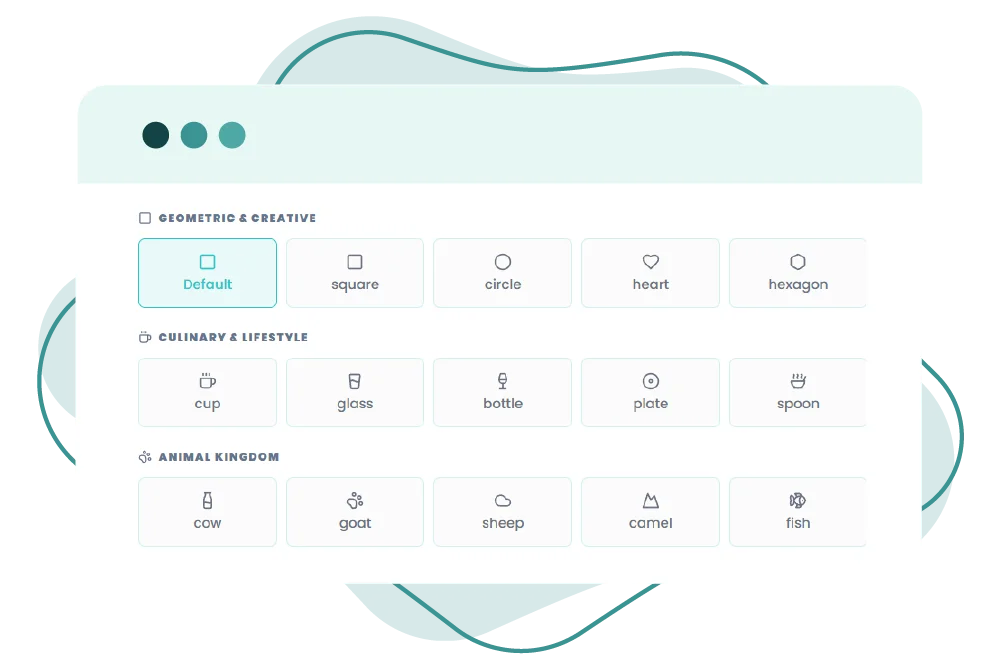
Customize Design
Choose color, logo, branding.
Step 04
Download & Share
Add to signage invitations or listings
Location QR codes help users reach destinations without confusion
Make Your Location QR Code
Smarter with QR-Inventor
Make your location easy to find with QR navigation for quick directions always