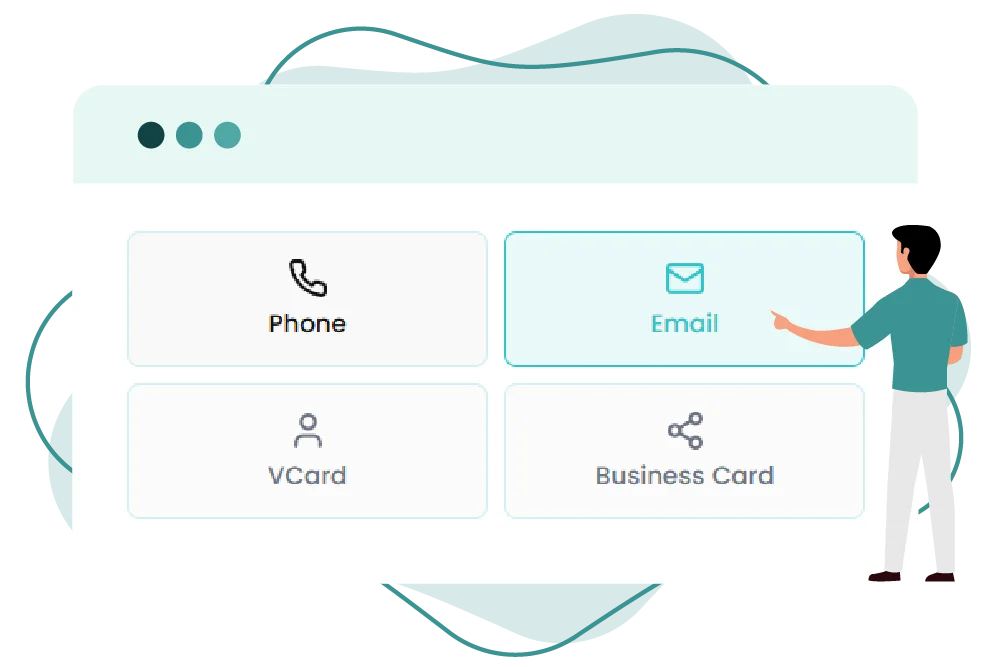
Turn any email address into a scannable QR code using QR Inventor’s email QR code feature. Now users can scan once to open a pre-filled email without manually entering their email address.
How to Create a QR Code for an Email Address
QR Inventor makes creating a QR code for an email address simple. Just follow the steps below:
Step 01
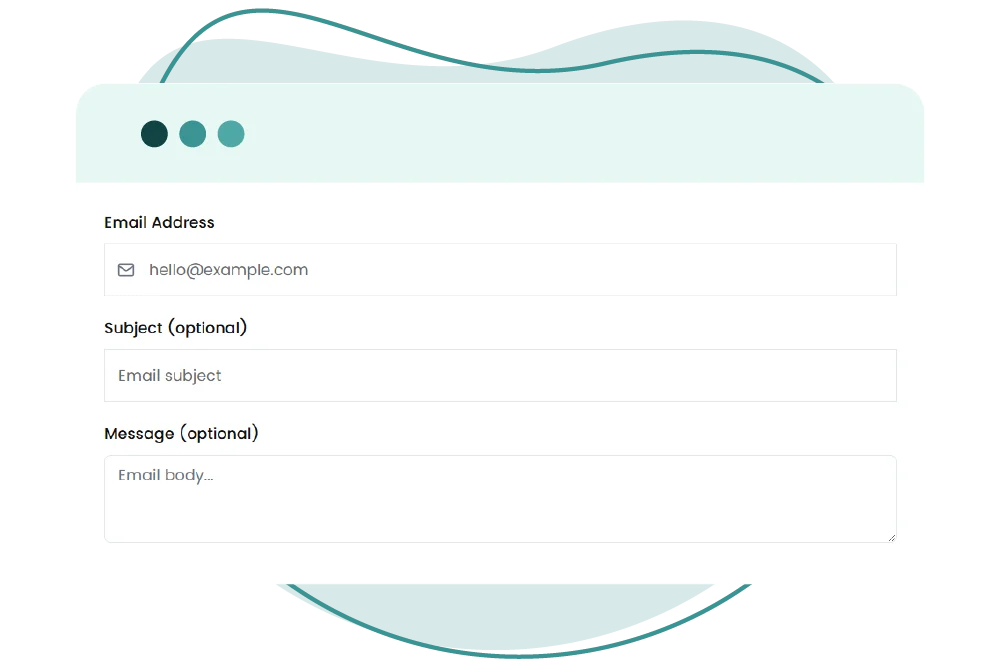
Enter the email address
Step 02
Add an optional subject line and message
Step 03
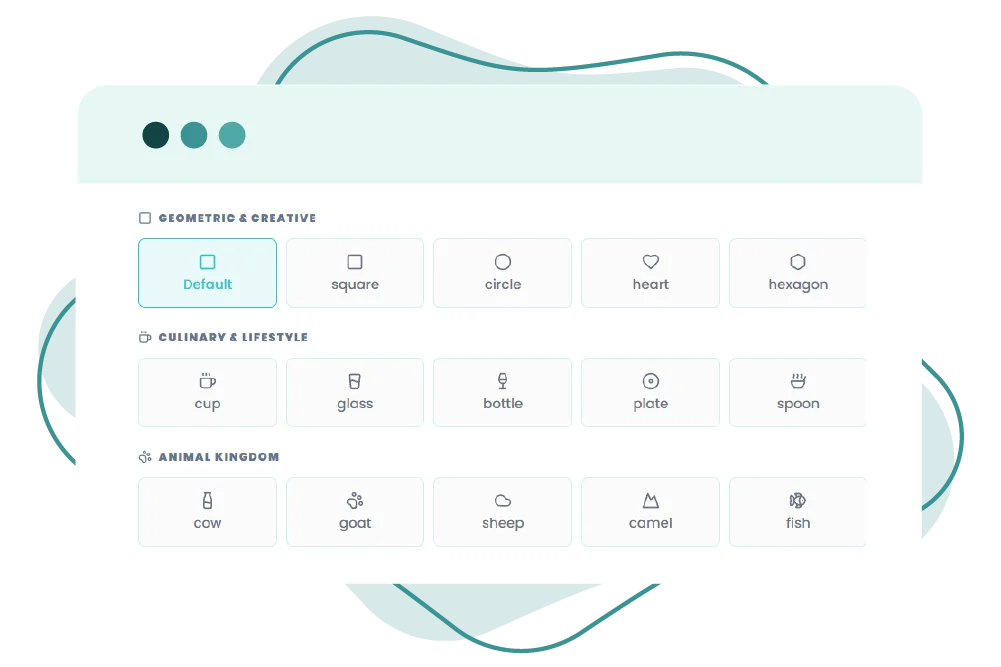
Customize the design
Step 04
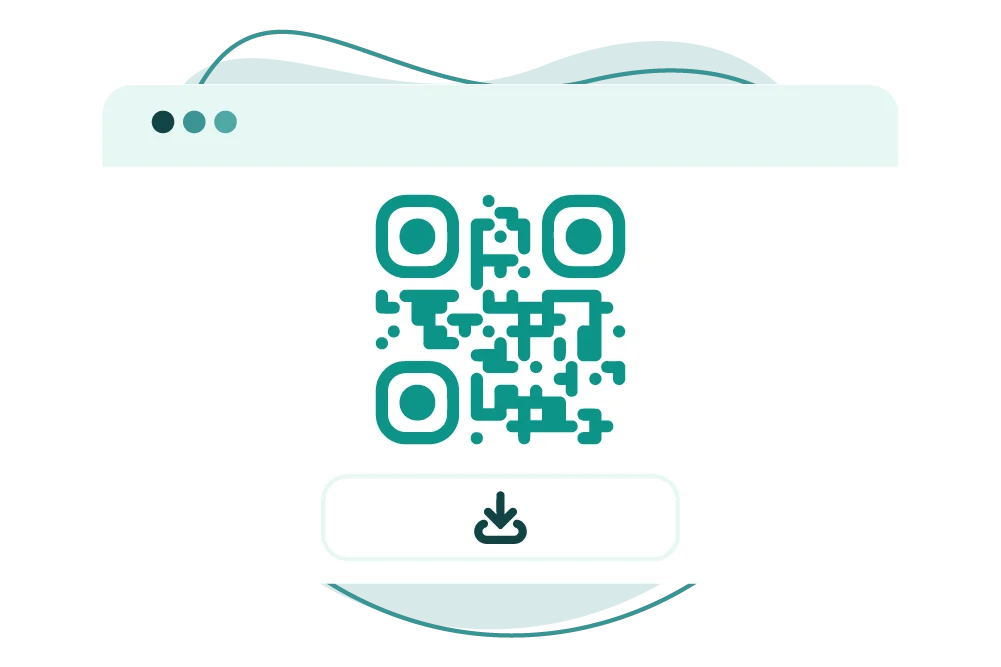
Download and share
Once scanned, the QR code will open the user’s default email application with your contact information pre-filled, making email communication much faster and easier.
Effortless Email Sharing Now Via QR Code
Turn email sharing into an effortless process with QR Inventor’s QR code generator for email.
With an email QR code, users can scan the code to open an email for them immediately, and there’s no need to type their email address.
Good for Direct Communication
Great for contact requests, support questions, feedback, and business inquiries. This feature makes email interactions simple and efficient.
Reduce Contact Friction
An email QR code eliminates extra steps, making communication more accessible and instantaneous. A simple scan makes the path to action easier.
Fewer Typos
There’s no need for your users to type in your email address, so the chances of misspelling are much less. This avoids failed messages and makes the communication more precise.
Works Across Print and Digital
Email QR codes are easy to use on business cards, brochures, packaging, posters, invoices, and digital assets.
Practical Usage Of Email QR Codes
Please use the correct mailto syntax
Make sure your QR code is created with a proper mailto: structure.
Use a subject line when applicable
Pre-fill the subject line to help guide user intent, especially for support, bookings, inquiries, or lead forms.
Make it easy and simple to use
Don’t overload your QR code with too many parameters. The fastest scan is done with a clean email address.
Fit it in well for placement
Create QR codes that ensure seamless scanning on packaging, posters, business cards, and print materials.
Test on multiple devices
Be sure to test your email QR code on iPhone and Android before you publish it.
Align brands
Add your brand colors and logo to your email QR code carefully so that it looks professional.
Create an Email QR Code With QR Inventor
Want a quicker way to share your email? QR Inventor is a handy tool that lets you turn any email address into a QR code that, when scanned, opens the user’s email app instantly.
QR Inventor allows you to generate a QR code for an email address that opens the default email app instantly, making communication faster and seamless.
Quick and Easy Setup
No tech steps or manual formatting are needed to create an email QR code that works in seconds with QR Inventor’s email QR code generator.
Provides Pre-Filled Emails
Pre-filled email QR code generator, to speed up user action with recipient address, subject line, and message body already filled in.
Better Scanning on Mobile
QR Inventor creates crisp, optimized QR codes for a better user experience, ensuring smooth scanning on Android and iPhone devices.
Sharing Business Contacts Made Easy
It is perfect for business cards, packaging, flyers, invoices, help desks, and customer touchpoints that require instant email access.
Static and Dynamic Decisions
Get a free static code or go dynamic with QR codes for more advanced use cases such as tracking scans, updating destinations, and measuring campaign performance.
Free QR Code Generator Email
Want an easier way to share your e-mail address? Create a professional, trustworthy, business-like email QR code within seconds with QR Inventor.