With a calling QR code, users scan the code and instantly open the phone dialer with your number already filled in, no typing in a number manually. This makes it easier, improves response rates, and allows users to call with one tap, making it convenient to do business with you.
How To Make A QR Code for Contact Information
QR Inventor makes creating a QR code for an email address simple. Just follow the steps below:
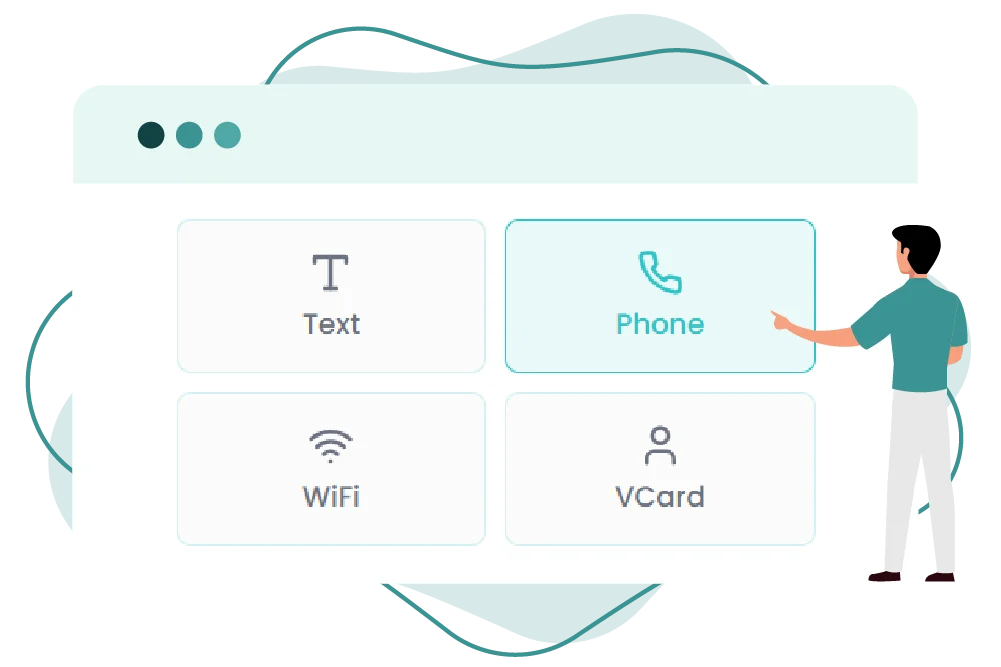
Step 01
Enter the phone number
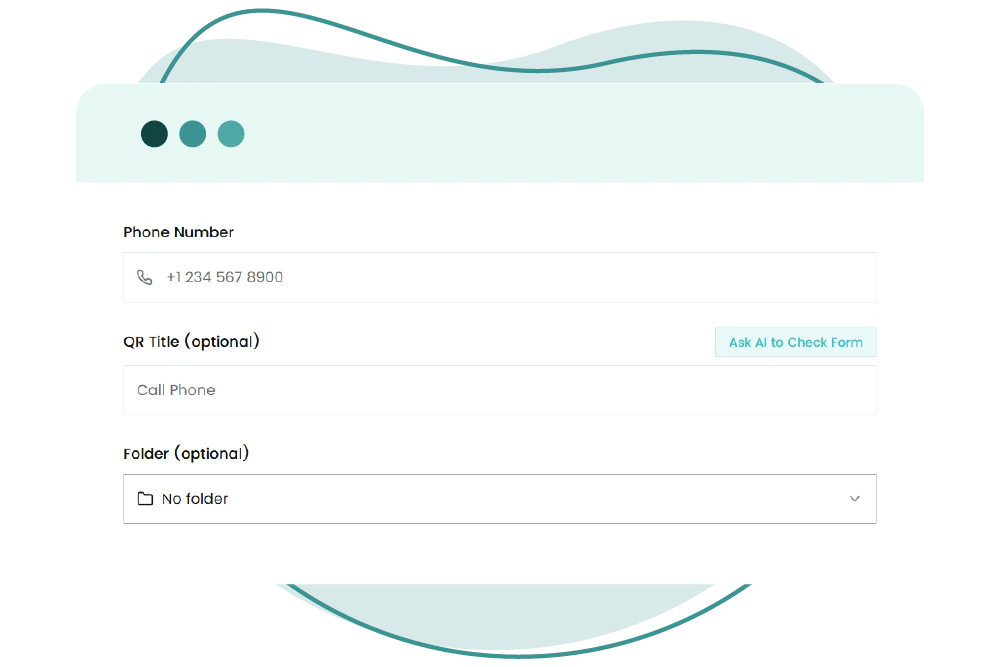
Step 02
Create your contact QR code
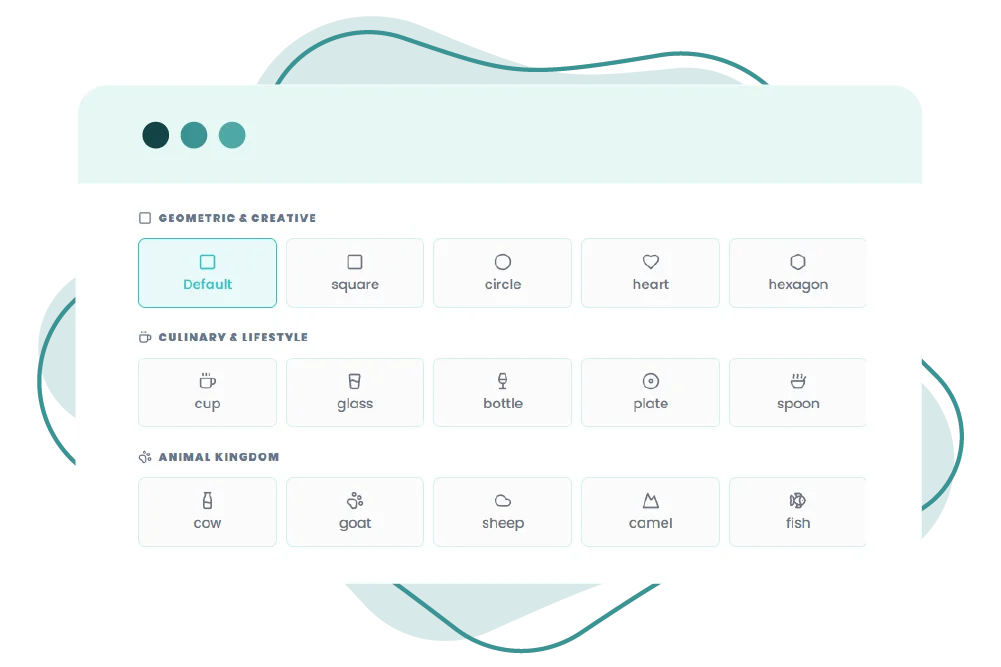
Step 03
Customize the design
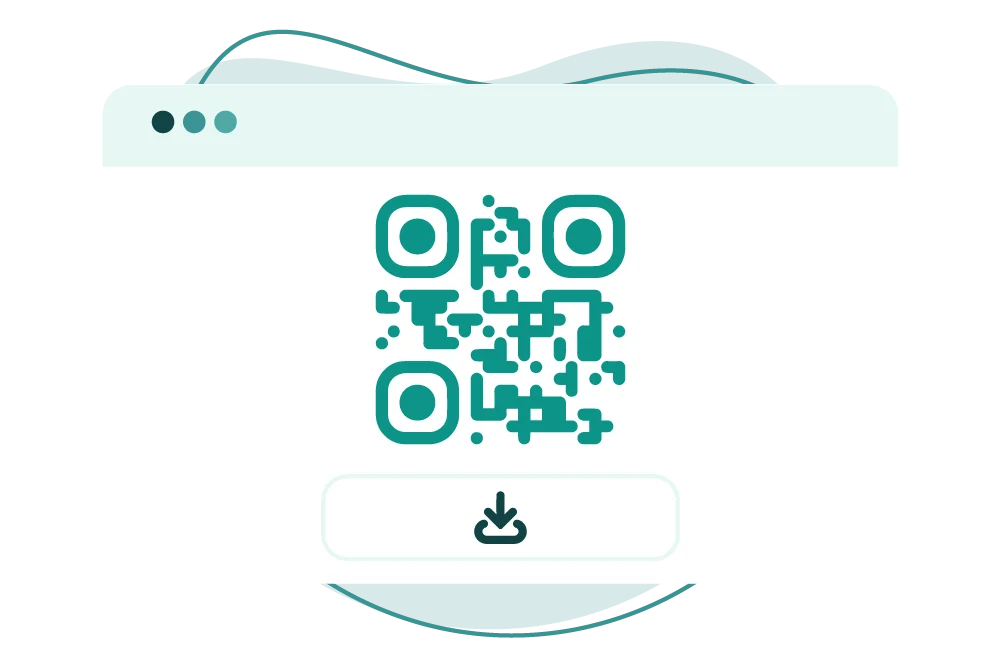
Step 04
Download and share anytime
A calling QR code removes the need to manually type a number before making a call, making it one of the easiest ways to improve phone-based communication.
Looking At How To Create A Call QR Code?
The QR Inventor’s phone number QR code generator provides you with the convenience to instantly create your QR code by adding the contact details, swift and stress-free.
Why Should I Use a Phone Number QR Code Generator?
Instant Call Access
It allows people to call you instantly without having to type your number manually. You have to simply scan, and it opens the phone dialer with your number already filled in.
Reduces Manual Dialing Mistakes
Manual entry is error-prone, so a QR code linking to a phone number helps eliminate manual input and ensures the user dials the correct number.
Accelerates Customer Contact
A calling QR code means no extra steps, so your customers can call you faster. Users can scan and call directly, without copying, saving, or typing in a number.
Increases Phone-Based Conversions
The easier you make it to call, the more likely users will do so. A QR code linking to a phone number removes friction and improves overall conversions.
Makes Calling On Mobile Easier
A phone dialer QR code is created for mobile convenience. It offers a smoother experience for smartphone users by immediately opening the dialer without any manual input.
Provides a Better Customer Experience
A faster, more seamless calling experience means better customer satisfaction. A QR code for direct dialing offers users more efficient, more accessible, and easier communication.
What Are Some Best Practices For A Phone Number QR Code?
Make sure to use the “tel:” format correctly
A plain text QR code is a scannable version of printed text. Users can scan and read the message in a moment without typing anything.
Include the right contact details
It’s perfect for sharing short and static content like notes, instructions, reminders, or product details. That makes it easier to access information and use it.
Make it easy and simple to use
The text is embedded directly in the QR code, so it does not require an internet connection. This is ideal for packaging, labels, manuals, and offline signage.
Pay attention to the code size
For smooth scanning, the QR code size must be large enough to scan. This will help you with different media.
Test on Android and iPhone
Before you hit the publish button, make sure you test it on multiple devices.
Customize it based on your brand
Add your brand colors and logo to your phone number QR code so that it aligns with your brand values.
Why Is QR Inventor’s Phone Number QR Code Generator Perfect For You?
Instant Call Access
Create a QR code for a phone number that opens the phone dialer instantly for one-tap calling.
Quick and Easy Setup
Generate a working QR code for a phone number in seconds, with no technical setup required.
Built for Mobile Calling
Create a seamless call-to-scan experience across Android and iPhone devices.
Better Scan Performance
Generate clean, high-quality QR codes that scan reliably on print and digital surfaces.
Ideal for Managing Contacts
Perfect for business cards, storefronts, invoices, packaging, and support touchpoints.
Different QR Code Options
Create free static or dynamic QR codes as needed.
Free Calling QR Code
Need a faster way to share your number? Use QR Inventor to create a clean, reliable, and professional QR code for your phone number in seconds.