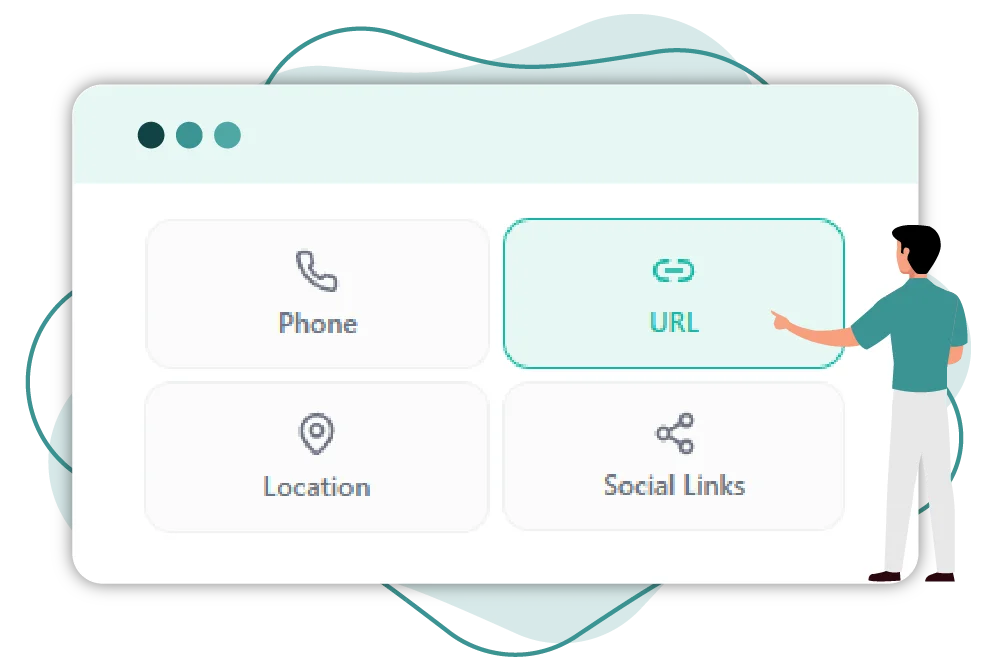
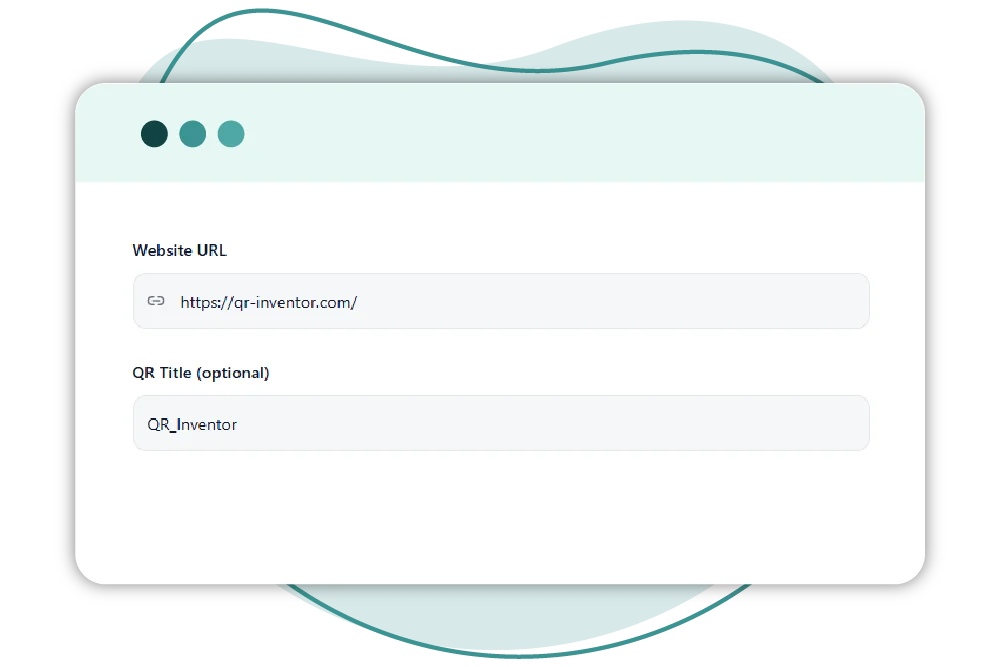
Turn any URL into a scannable QR code with QR Inventor Create a fast, mobile-friendly link QR code that sends users directly to any webpage, landing page, product page, or website URL. QR Inventor makes it easy to convert a link to a QR code in seconds, so you can share smarter, drive more visits, and connect offline audiences to your online content instantly
Create A QR Code For A Link
A QR code is an easy way to convert a regular website URL into a scannable code that instantly opens on a mobile device.
Instead of typing long URLs, users scan and land directly on the page.
With QR Inventor, you can turn any link into a QR code for:
Websites QR Code
Lead Forms QR Code
Digital Menus
Landing Pages
Product Pages
Booking Pages
Social Campaigns
App Download Links
Menu QR Code
It’s the fastest way to connect offline audiences to online content.
Try Our Free Link to QR Code Generator
Convert any website URL into a scannable QR code in seconds with QR Inventor’s free link to QR code generator. Just paste your link, create the code, and download a ready-to-use QR code for print or digital sharing.
It is perfect for websites, landing pages, menus, flyers, packaging, business cards, and more.
QR Inventor lets you turn any URL into a scannable QR code in seconds. It creates a clean, mobile-friendly QR code for your website, landing page, or campaign, no technical setup required.
How to Make a QR Code For A Link
Creating a QR code for a website link is very simple with QR Inventor in just a few straightforward steps:
Step 01
Copy Your URL
Step 02
Paste it into the Generator
Step 03
Customize The Design
Step 04
Download and Share
And that’s it. Your QR code is ready to be scanned and opened instantly.
Whether you want to convert a URL to a QR code online or generate a branded code to use in print, QR Inventor makes the process hassle-free.
What Are URL QR Codes Used For?
Link QR codes allow the machine to read a pattern of symbols that becomes a website address. This enables smartphones to scan and read it in seconds. The device scanning the QR code is then prompted to open a specific URL, which directs the user to the website.
The QR code contains a URL that a phone camera or QR scanner can easily scan. When a user scans the code, their device reads the information encoded in it and automatically opens the linked webpage in the browser.
It eliminates the hassle of manually typing a long URL and accelerates the process of grabbing online content from physical touchpoints.
Need Flexibility After Printing?
Choose QR Inventor’s instant QR code generator to edit your destination later, analyze and monitor scans, and optimize performance without changing the printed code.
This feature allows you to see how your QR codes perform across print, packaging, and promotions. Use measurable QR code analytics to improve every campaign and stop guessing what worked.
Built for Marketing, Packaging, and Print
QR codes from QR Inventor are built for real-world marketing use.
Product packaging
Retail displays
Restaurant menus
Flyers and brochures
Business cards
Event signage
Direct mail
Landing pages
QR Inventor helps you connect offline touchpoints to digital experiences, whether you’re driving traffic, collecting leads, or improving product discovery.
Launch Smarter Print Campaigns
Add a monitorable QR code to packaging, flyers, posters, and printed ads. QR Inventor helps you measure offline engagement with real scan data.
A branded QR code looks more trusted and receives more scans. QR Inventor allows you to customize your QR code to match your brand:
Add Your Logo
Use the Colors of the Brand
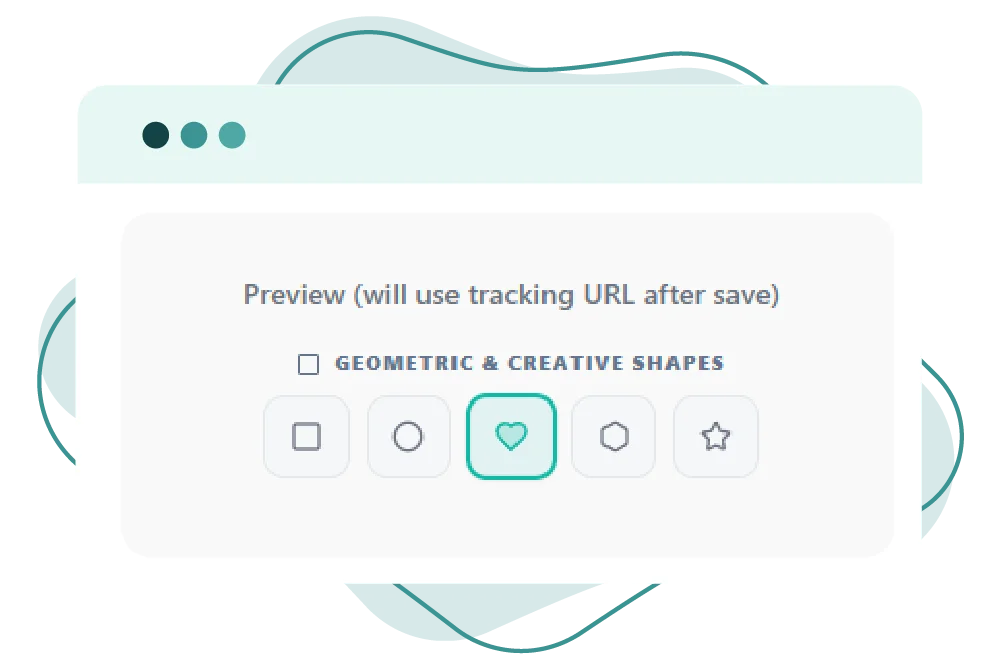
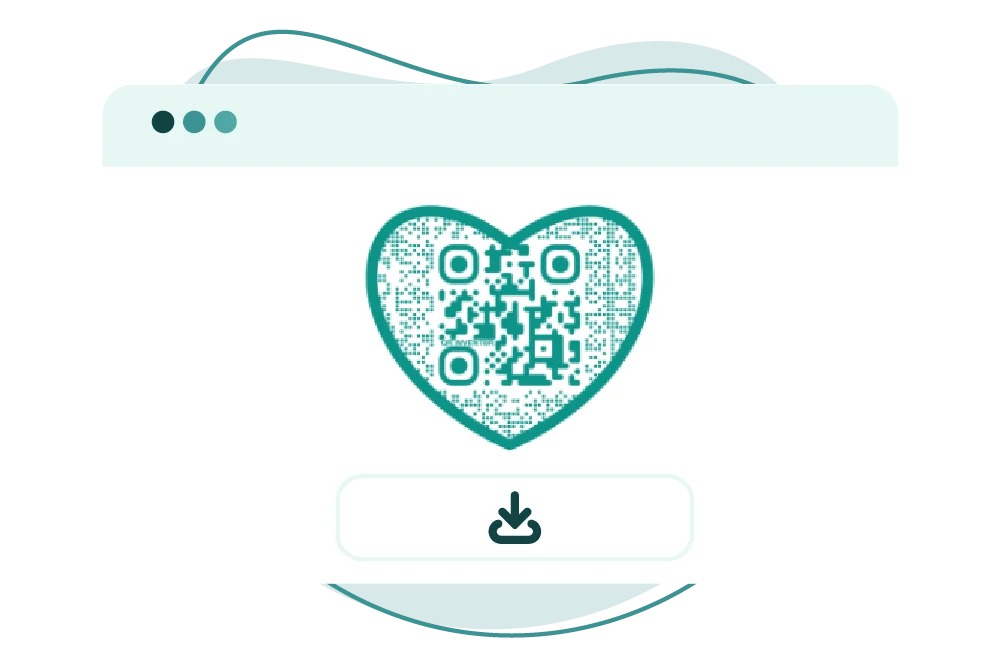
Change the Shape sStyle
Add Frames and Add CTA Text Such as “Scan to Visit”
Print & Digital Design
Custom QR code for link sharing makes your campaigns look more professional and recognizable. QR Inventor balances design with scan reliability to make sure your code is functional but still on-brand.
What Are Some Best Practices For Link QR Codes?
For the best results:
Run a mobile-friendly page
Test before publishing
Avoid long, messy URLs
Size the QR code correctly
Dynamic QR for promotions
Add branding for trust
Measure performance when ROI is key
A great QR code should scan fast, load fast, and get users exactly where they’re expecting to go.
Make A Link to QR Code Smarter with QR Inventor
QR Inventor lets you quickly convert any URL into a reliable QR code that’s easy to scan and designed to support your campaigns. It offers both free static codes and dynamic QR codes with analytics, so you can create, customize, and manage all your link QR codes in one simple platform.
Just enter your website URL into the link for the QR code generator, generate the code, and download it to share. You can scan the QR code, and it will immediately open the page corresponding to the QR code on your mobile device.
A link QR code is a code that, when scanned, will launch a website’s URL on a smartphone. It converts any URL into a faster, mobile-optimized route to digital content.
Yes, you can create a QR code for any valid website URL. It can be your homepage, landing page, product page, booking form, digital menu, campaign URL, etc.
Static link QR codes hold a final URL that is unchangeable afterwards. Dynamic link QR codes allow you to create a redirect URL, so you can change the destination at any time.
Yes, but only if it is a dynamic QR code. Dynamic QR codes are editable, which means that the destination URL can be changed at any time without having to change the printed QR code.
QR codes for URLs are faster for getting to websites, better for usability on mobile devices, and make it easy to connect offline users to online content with a single scan.